
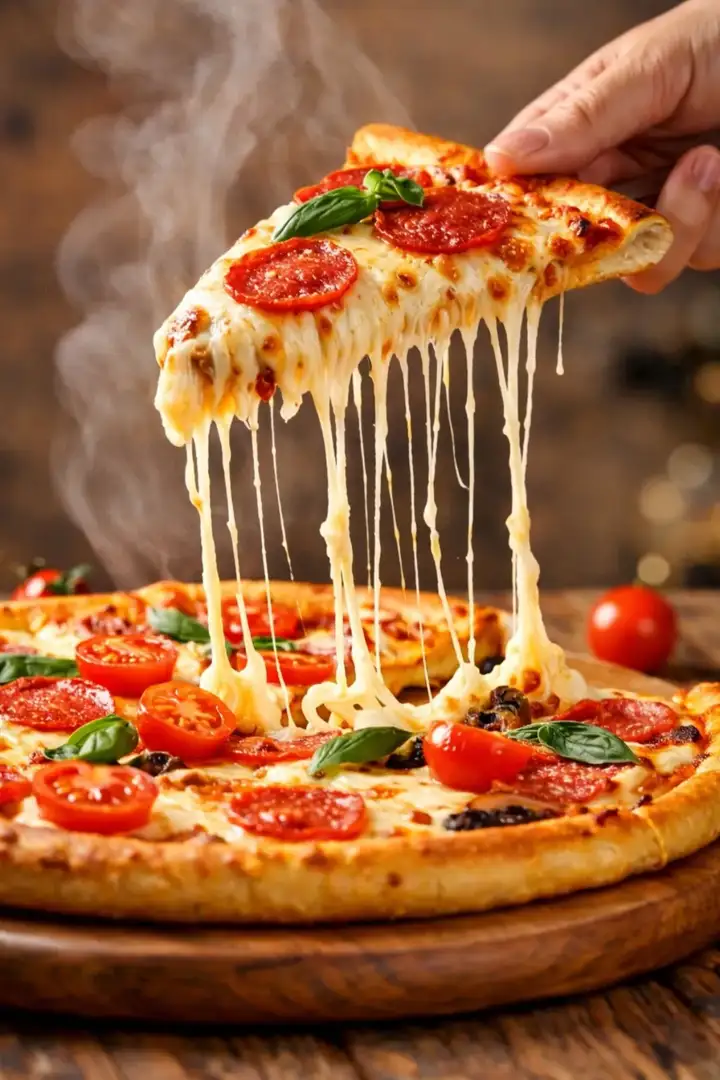
Nano Banana Pro
from 25 crStudio-grade images with sharp text and lighting, up to 4K.
- 1K · 2K · 4K
- Up to 8 reference images
VidoGrid puts every Nano Banana and GPT Image model in one studio. Write a prompt or add reference photos to edit — pay only for images that succeed.
Free-plan results appear in the public gallery · charged only when it succeeds
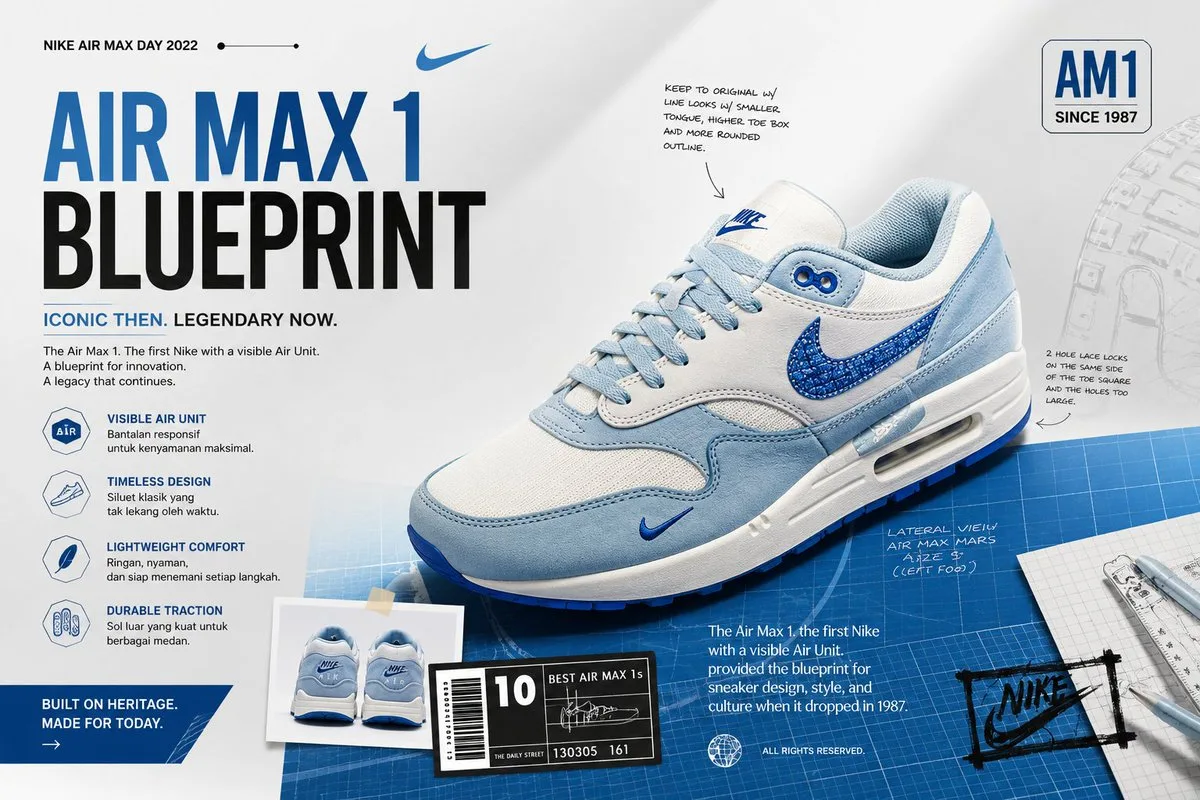
Your image appears here
Pick a model, write a prompt and press Generate. You only pay for successful renders.
AI image generator
VidoGrid is an online AI image generator and photo editor. Write a prompt, or add up to 16 reference photos to edit, restyle or combine them. Every Nano Banana and GPT Image model is in one place, paid from one credit balance.
Images go up to 4K, the cost is shown before you generate, and failed images are refunded automatically. Use the results as posters, ads, product shots or first frames for a video.
How it works
Four steps, starting at 6 credits per image.
Describe the subject, composition, light and style. Put any text you want in the image in quotes.
Upload up to 16 photos to edit them, keep a face or product consistent, or combine several into one scene.
Choose Nano Banana or GPT Image, the resolution and aspect ratio. The cost updates as you go.
Download the image, reuse the settings, make a variation or send it to the video studio as a first frame.
Model guide
Resolutions, reference limits and prices come straight from the studio.
Studio-grade images with sharp text and lighting, up to 4K.
Fast, faithful edits that keep faces and products consistent.
Detailed renders with wide aspect ratios such as 21:9.
Quick drafts and variations at the lowest price.
The original Nano Banana, still great for simple photo edits.
Vivid, stylized images with crisp typography for posters and covers.
Warm, photographic looks tuned for realism.
Dependable layouts, product shots and infographics up to 4K.
Low-cost text-to-image for brainstorming ideas.
Strong prompt following with up to 16 reference images.
The classic GPT-4o image model for friendly, illustrative results.
Three ways to start
Every example below was made in one of these ways.

Describe what you want and get a finished image, from photoreal close-ups to illustrations.
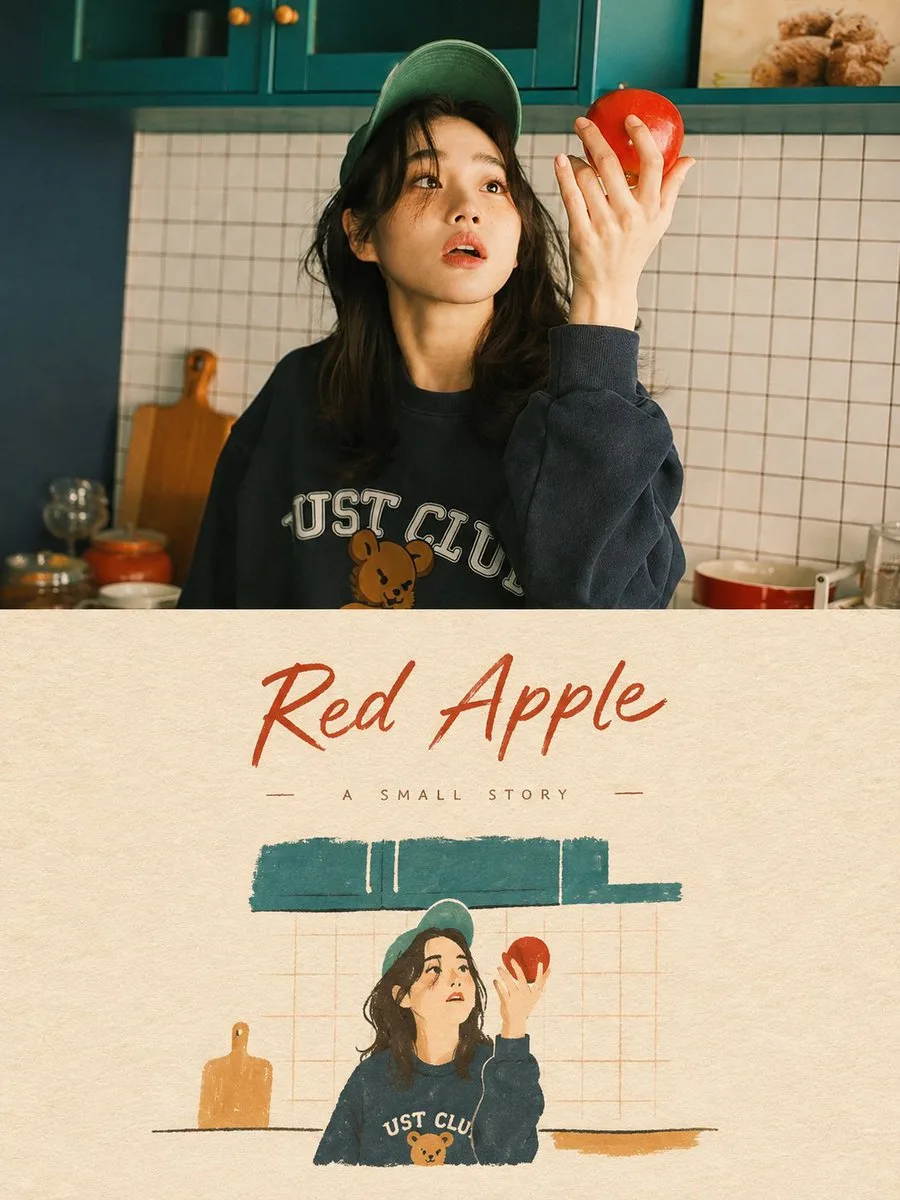
Upload photos and describe the change: new background, new style, or a poster built around you.
Use a product shot as the reference and the model keeps its exact shape and label in new scenes, with up to 16 references.
Use cases
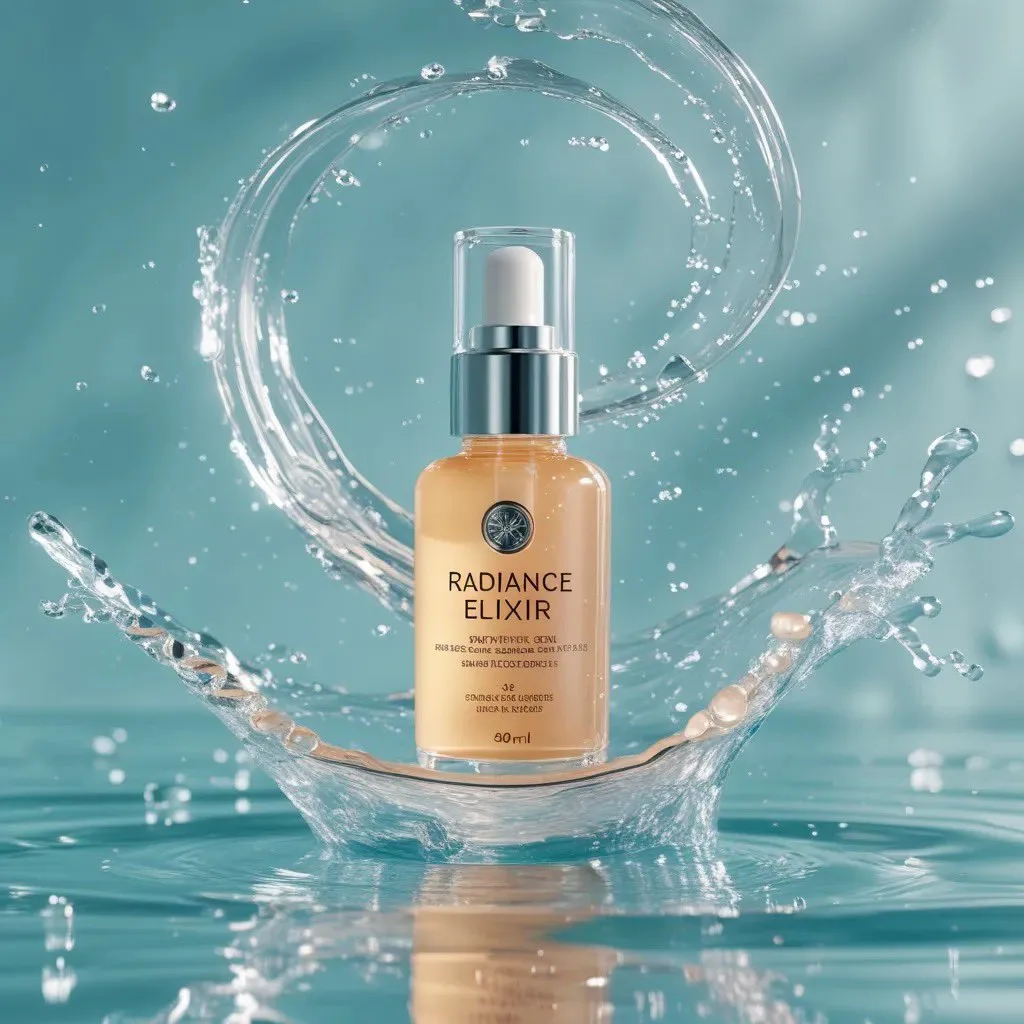
Premium product shots and campaign visuals without a studio.
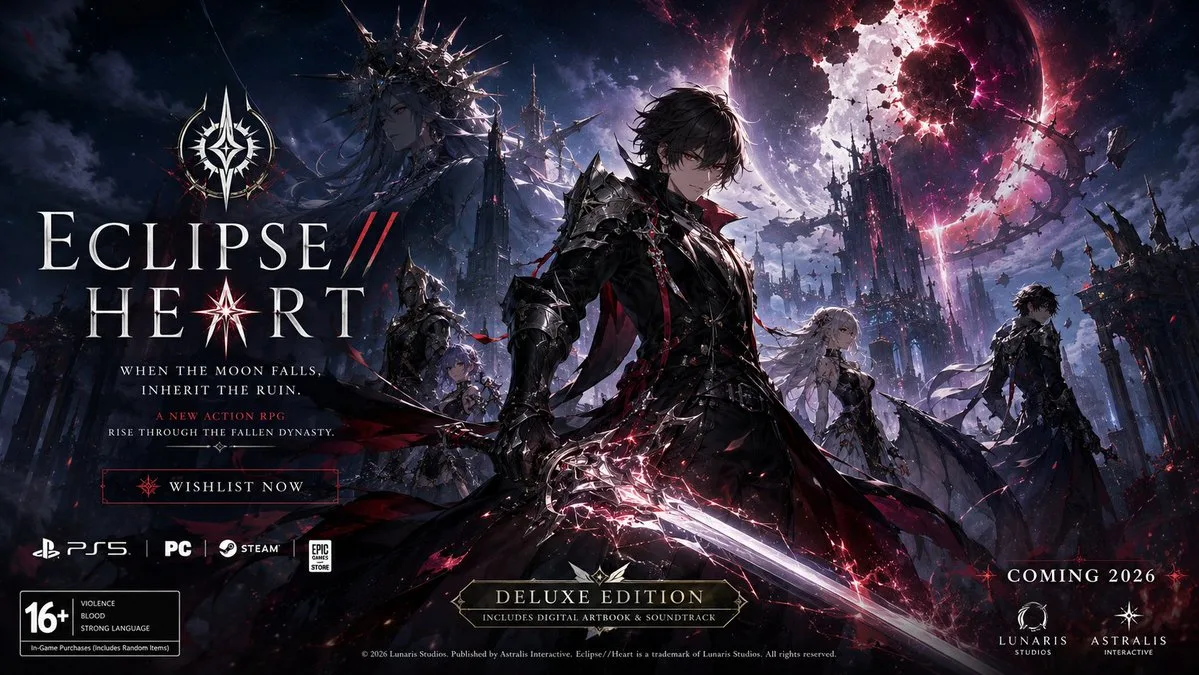
Movie, game and event posters with readable titles.
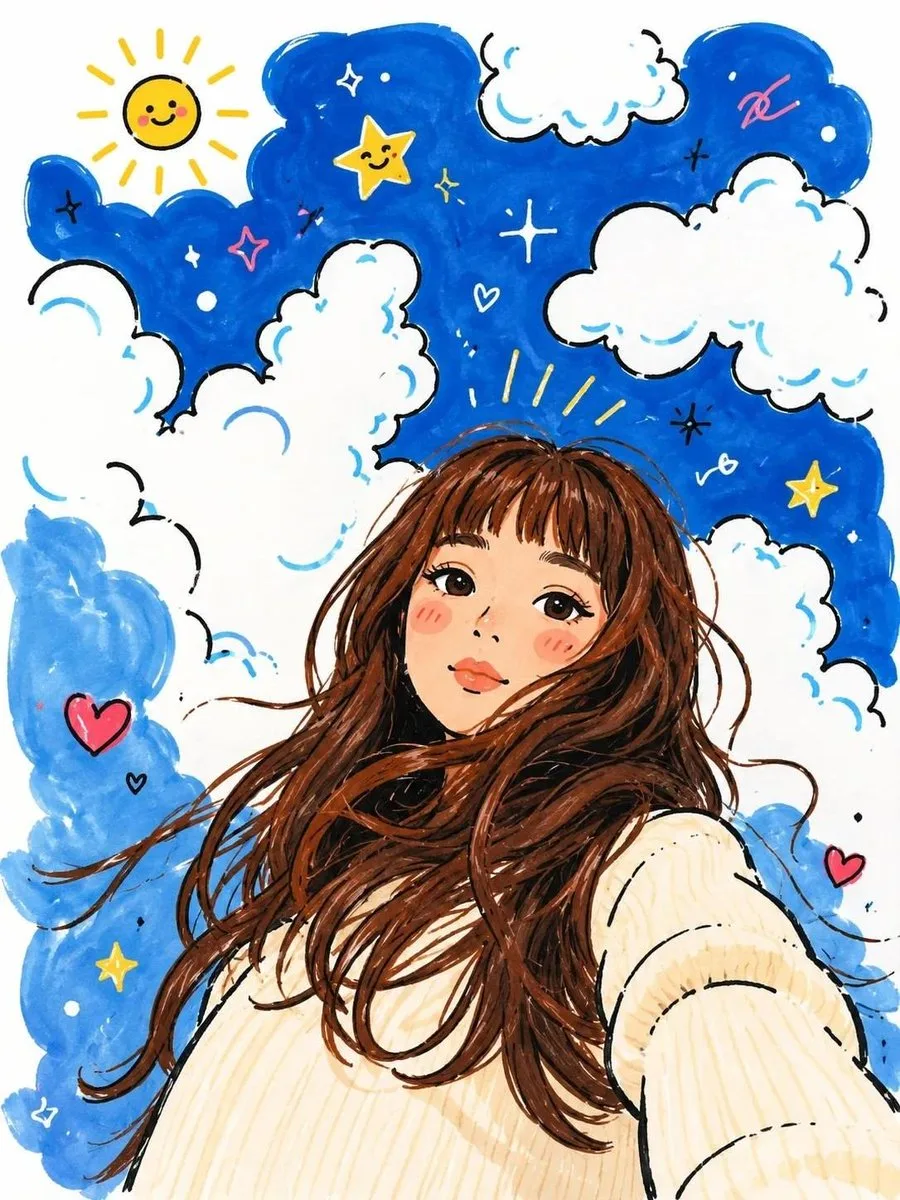
Editorial and lifestyle portraits for profiles and social posts.
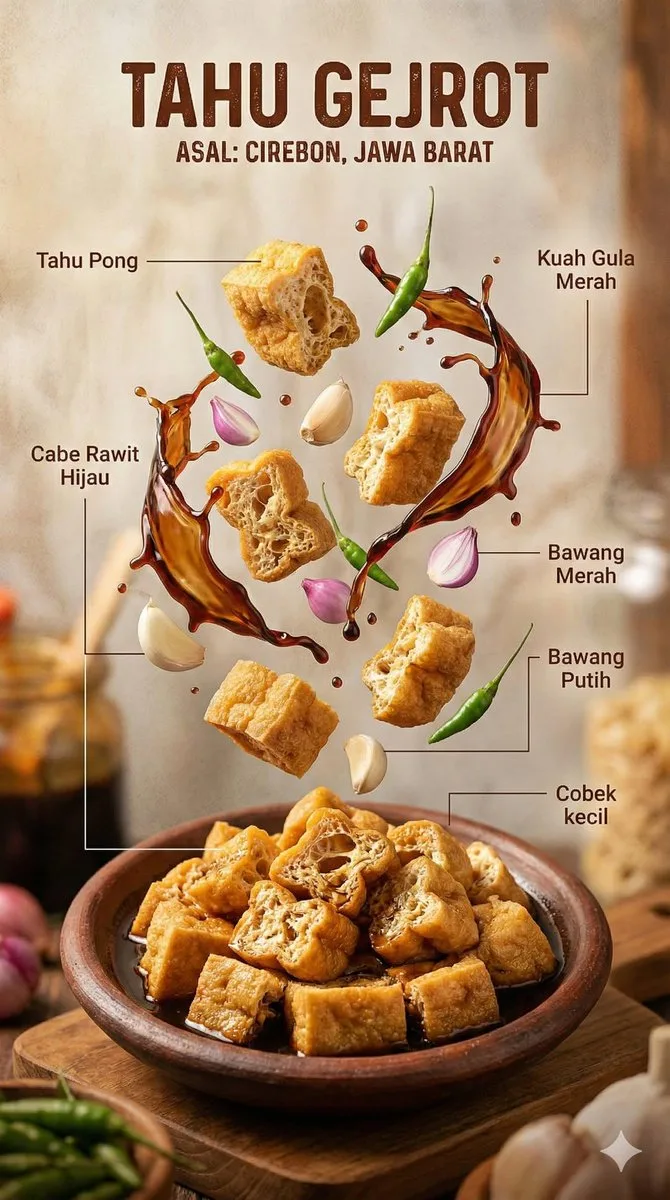
Appetizing food photos and infographics for menus and delivery apps.
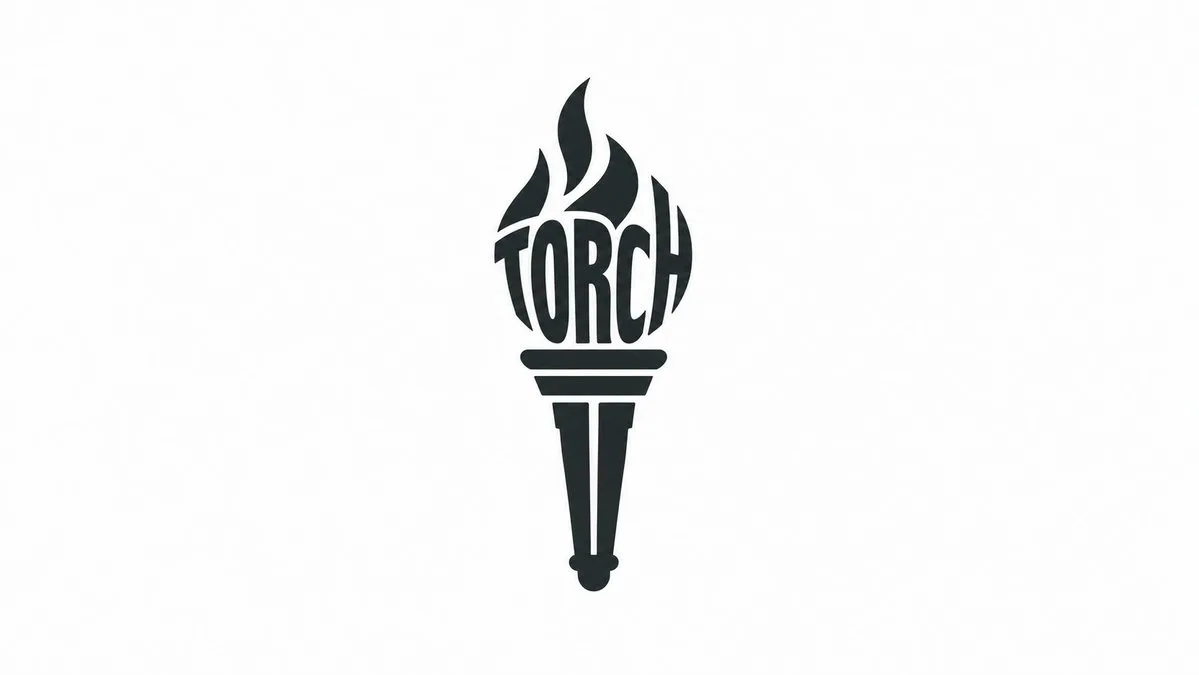
Typographic logos and wordmarks to explore brand ideas.

Lookbooks and fashion illustrations in any style.
Showcase
Real prompts from the community. Hover any piece to read its prompt and recreate it in one click.
Use uploaded product image as the MAIN PRODUCT REFERENCE and preserve the exact product identity with extremely high accuracy. Maintain original shape, proportions, materials, colors, logo placement, textures, packaging…
Create a propaganda poster themed around the character “BLANKA” with a consistent and hierarchical main visual composition. Poster structure: Top (top half): Use the character’s head, facial features, mask, or half-body…
Create a cohesive editorial travel-journal image inspired by the provided reference photos: a real-world coffee shop moment paired with a minimalist hand-drawn illustration of the exact same scene, arranged as a…
{ "master_prompt": { "global_settings": { "resolution": "8K ultra-high-definition", "aspect_ratio": "3:4 vertical", "style": "hyper-realistic AI-edited commercial product photography", "sharpness": "extreme clarity…
Create a premium, highly believable Fictional Game Launch Key Art poster for an imaginary game called [GAME TITLE]. The goal is to make the game feel like a real major release with strong commercial appeal, cinematic…
Create one exceptionally beautiful surrealist architectural travel poster featuring the Colosseum, Rome, Italy. Vertical 4:5 composition. 1. THE SIGNATURE COMPOSITION Create a monumental round-topped architectural arch…
Ultra-realistic action photography, extreme fisheye lens (8mm), worm’s-eye view from ground level, dynamic urban plaza scene. A stylish young woman appears to be stepping over the camera, one sneaker sole dominating the…
Design a clever typography logo where the brand name [BRAND NAME] merges together to form the silhouette of a [ANIMAL/OBJECT]. Letters should naturally shape the contours of the figure while maintaining subtle…
シネマティックなトーン、可愛い日本人ガール、20代、汗や煤で少し汚れている、自然光、セクシーで少し破れた軍服とレザーハーネス、双剣、強いパースペクティブ、ダイナミックなポーズ、iPhone 17で撮影
Create an ultra-photorealistic high-end studio photoshoot of a handsome European man dressed in sophisticated formal attire. He has refined masculine features, natural fair-to-light skin, neatly styled dark brown hair…
Vertical editorial collage poster featuring [CHARACTER] in [CLOTHING], full-body cutout positioned across a sharp split background of [PALETTE]. Place oversized condensed typography reading “[TITLE]” behind the…
Masterpiece, ultra-detailed Japanese ukiyo-e inspired illustration of a fearsome Oni Samurai wearing an intricately patterned luxury kimono with ornate gold floral embroidery and large blue roses, traditional Hannya/Oni…
Showcase pieces are curated from meigen.ai and credited to their original creators.
Prompt structure
Cover these five parts. Concrete nouns and lighting words matter more than adjectives.
The main subject with key details: material, colour, expression.
Framing and angle: close-up, flat lay, low angle, centered.
Soft window light, studio rim light, golden hour, neon.
Photo, 3D render, watercolor, ukiyo-e, magazine cover.
Exact words in quotes and where they go, e.g. title "SUMMER" at the top.
A glass bottle of cold-brew coffee on wet black stone, close-up, low angle. Soft rim light, droplets on the glass, dark moody background. Commercial product photo. Small white label text "COLD BREW" on the bottle.
FAQ
From 6 credits per image, depending on model and resolution. The studio shows the exact cost before you generate.
No. Credits are reserved when you start and returned automatically if the image fails.
Yes with any credit pack and with Pro and higher plans, under our Terms of Service. Free and Starter credits are for personal use.
1K, 2K and up to 4K, depending on the model. Free accounts render at 1K; credit packs and plans unlock 2K and 4K.
Yes. Add up to 16 reference photos and describe the change. Most models accept references; GPT Image 2.6 Economy is text-only.
Nano Banana Pro and GPT Image 2 / 2.5 render posters, labels and headlines most reliably. Put the exact words in quotes.
Square, portrait and landscape ratios including 2:3, 4:5, 9:16 and 16:9; Nano Banana models also offer 21:9.
Yes. Open the image and send it to the video studio as a first frame, or upload it under First & last frame.
Write a prompt or add a photo and generate. Images start at 6 credits.