
Blog
Guides to prompting Veo 3.1, Seedance, Kling 4, Grok Imagine, Nano Banana and GPT Image — and making better AI videos and images.

How to Use Kling 4 on VidoGrid: Text to Video, Keyframes and Omni Reference
A step-by-step tutorial for Kling 4.0 on VidoGrid: make text to video, animate images with keyframes, combine reference images, choose duration, resolution and aspect ratio, understand credit costs and download your videos.
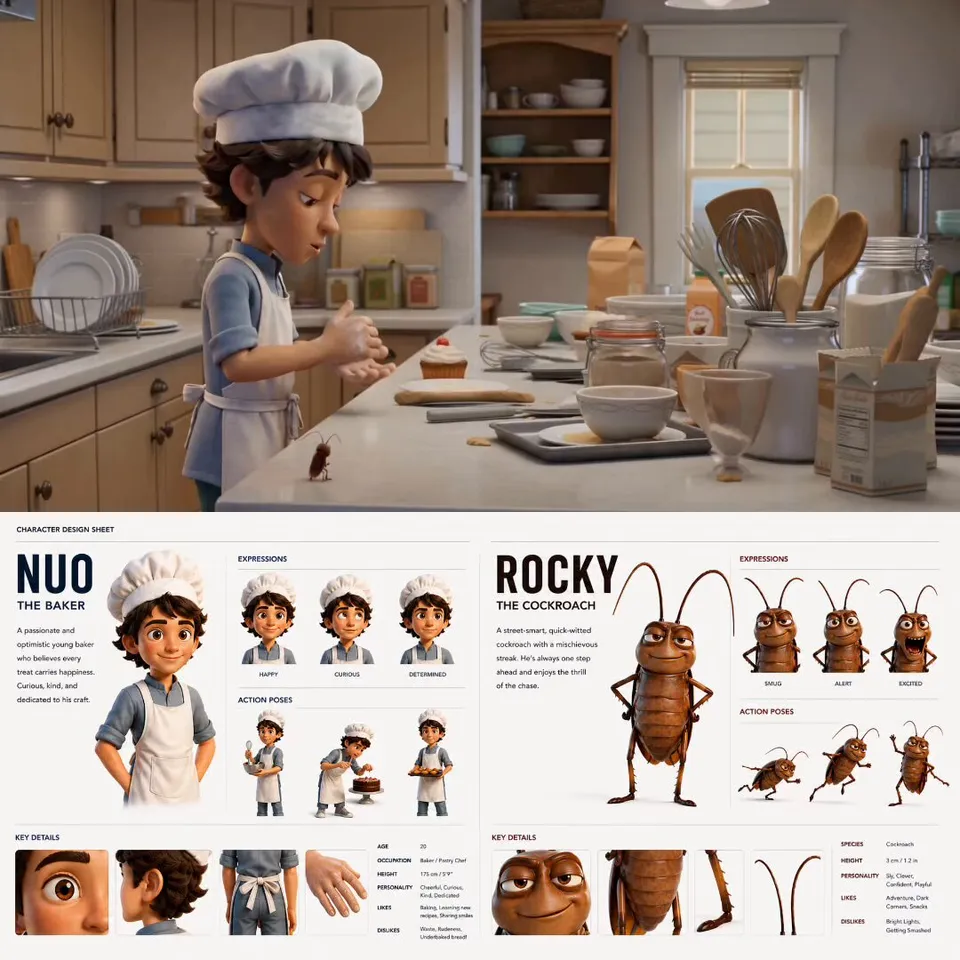
Kling 4 Prompt Guide: Structure, Keyframes and 8 Example Prompts
How to write Kling 4 video prompts that work on VidoGrid: a simple structure for subject, action, camera, lighting and sound, plus keyframe and omni reference tips and 8 copy-paste prompts.
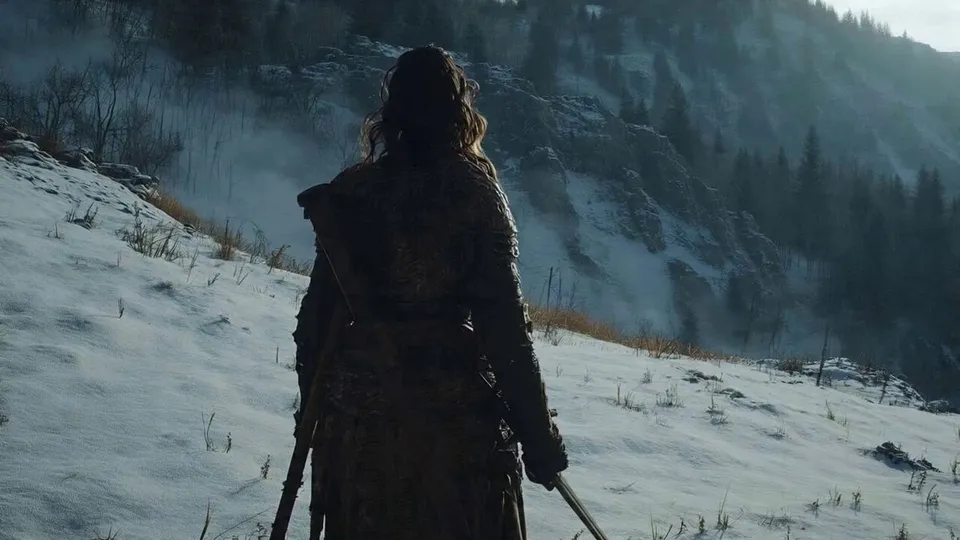
Kling 4 vs Veo 3.1 vs Seedance vs Grok Imagine: Which Video Model Should You Use?
A side-by-side comparison of the video models on VidoGrid — Kling 4.0 and Flash, Veo 3.1, Seedance 2.0 and 2.5, and Grok Imagine: duration, resolution, aspect ratios, keyframes, reference images, audio and credit cost, plus when to pick each.