
Kling 4 Prompt Guide: Structure, Keyframes and 8 Example Prompts
How to write Kling 4 video prompts that work on VidoGrid: a simple structure for subject, action, camera, lighting and sound, plus keyframe and omni reference tips and 8 copy-paste prompts.
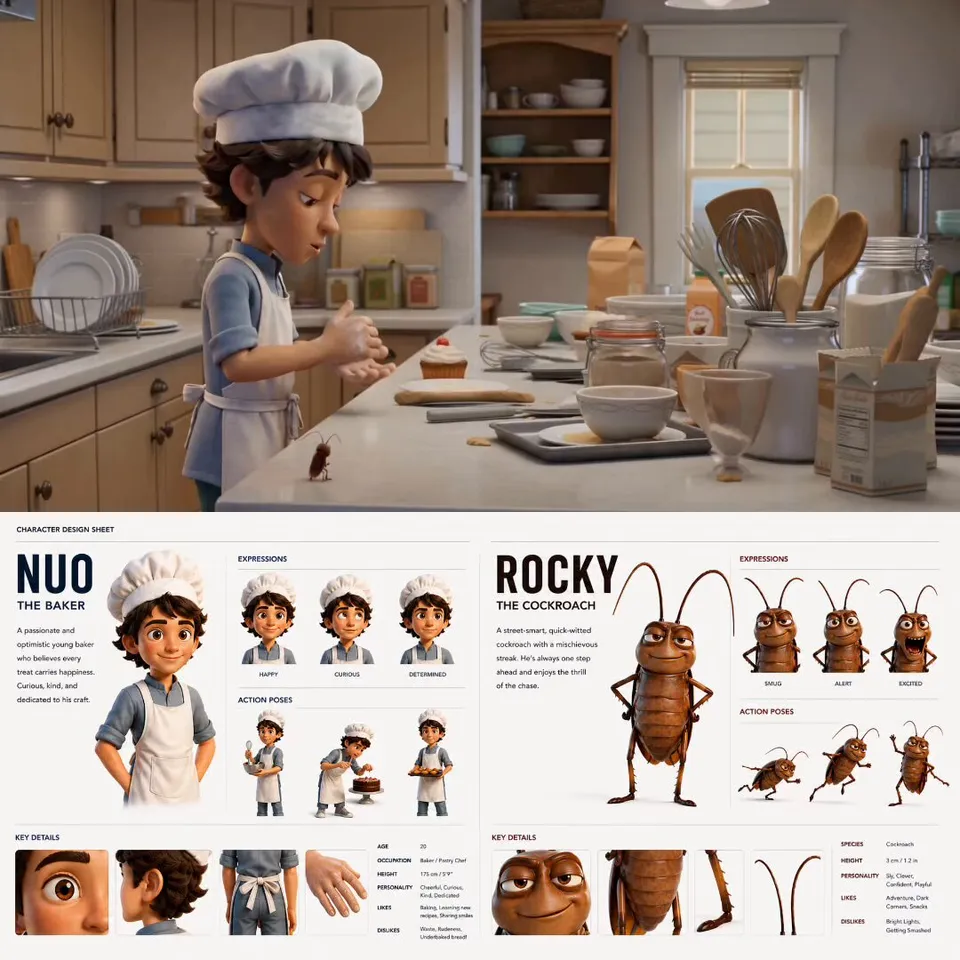
Kling 4.0 is Kuaishou's newest video model, and you can use it on VidoGrid alongside Veo 3.1, Seedance and Grok Imagine. It renders clips from 3 to 30 seconds, up to 4K, with native synchronized audio on every video. That is a lot of capability, and a vague prompt wastes most of it. This Kling 4 prompt guide gives you a structure that works, explains how to prompt keyframes and reference images, and ends with eight prompts you can paste straight into the studio. The same structure works well on the other video models too.
VidoGrid is an independent multi-model studio. We are not affiliated with Kuaishou or Kling AI; we just spend a lot of time writing prompts for these models.
How Kling 4 reads a prompt
A video prompt is not an image prompt with motion bolted on. Kling 4 has to decide what the subject looks like, what it does over time, where the camera goes and what the scene sounds like. If you leave any of those out, the model fills the gap with something generic.
Three habits make the biggest difference:
- Write sentences, not tags. "A woman in a red raincoat walks slowly across a wet street at night" works better than "woman, raincoat, rain, night, cinematic".
- Describe one clear action. Each shot should have a main thing that happens. Several unrelated actions in one clip usually blur together.
- Say what you hear. Audio is always on with Kling 4, so describe ambient sound, music or dialogue instead of leaving it to chance.
A Kling 4 prompt structure
Use this order. You will not need every part every time, but the sequence keeps prompts readable and helps the model prioritise.
| Part | What to write | Example |
|---|---|---|
| Subject | Who or what, with key visual details | "An elderly fisherman with a grey beard" |
| Action | What happens during the clip | "slowly pulls a net out of the water" |
| Setting | Where and when | "on a wooden boat on a misty lake at dawn" |
| Camera move | Framing and how the camera moves | "slow push-in from a wide shot to a close-up" |
| Lighting | Light source, time of day, mood | "soft golden backlight through the fog" |
| Style | The look or medium | "naturalistic documentary, 35mm film grain" |
| Sound / dialogue | Ambient sound, music, spoken lines | "water lapping, distant birds, no music" |
A useful rule: subject and action first, camera second, everything else after. If the prompt gets long, cut style adjectives before you cut the action or camera move.
Prompts can be up to 4,000 characters on VidoGrid. Most good prompts are far shorter. Aim for every sentence to change something you will see or hear.
Camera language that works
Kling 4 responds well to plain film terms. A few reliable ones:
- Push-in / pull-out for slow moves toward or away from the subject.
- Tracking shot to follow a moving subject from the side or behind.
- Orbit to circle around a subject.
- Crane up / crane down for vertical reveals.
- FPV drone for fast, low, swooping flights.
- Static locked-off shot when you want the subject to move and the camera to stay still.
Pick one main move per shot. "Slow push-in, then orbit left" is fine. Five moves in a row is not.
Writing sound and dialogue
Because native audio is always on, the prompt is also your sound brief.
- Ambient sound: "rain on a tin roof, distant thunder".
- Music: "soft piano score, melancholic" or "no music" if you want only natural sound.
- Dialogue: put spoken words in quotes and say who speaks: The man says, "We should have left an hour ago."
Keep dialogue short. One or two lines per clip sound more natural than a paragraph.
Prompting Kling 4 keyframes
In Keyframes mode you upload images that the video must pass through: a first frame, up to 8 middle keyframes, and a last frame. The total number of frames is capped by duration, duration plus one, with a maximum of 10. A 5 second clip takes 6 frames; a 10 second clip or longer can use all 10.
You can reference each frame in the prompt with tokens:
@first_framefor the opening image@keyframe_1,@keyframe_2and so on for the middle frames, in order@last_framefor the closing image
Use the tokens to describe the transitions, not to re-describe the images. The model can already see them. Tell it what happens between them:
Start on @first_frame. The camera pushes in slowly as the woman turns toward the window, reaching @keyframe_1. She opens the window and wind moves her hair as we arrive at @last_frame. Soft morning light, quiet city ambience, no music.
Tips for keyframes:
- Keep the same character, outfit and lighting across all frames, or the transitions will look like morphs.
- Leave enough time between frames. Many keyframes in a short clip forces abrupt motion.
- If a transition looks wrong, change the wording of that single step before you change the images.
Prompting omni reference
In Omni Reference mode you upload up to 10 reference images, such as a character, a product, an outfit or a location, and Kling 4 builds a new scene from them. Refer to them as @image_1, @image_2 and so on, and give each one a job:
The woman from @image_1 wearing the jacket from @image_2 walks through the night market from @image_3. Handheld tracking shot from behind, then she turns to camera and smiles. Neon light, light rain, crowd chatter and sizzling food.
If an image is only for colour or mood, say so: "use @image_4 only for the colour palette".
8 copy-paste Kling 4 prompts
Swap in your own subjects and details. All of these are written for Kling 4 text to video.
1. Cinematic portrait
Close-up of a young man with short dark hair sitting by a rain-streaked train window at night. City lights slide past and reflect on his face. He looks out, then slowly turns toward the camera. Static shot, shallow depth of field, moody teal and amber lighting. Sound of the train on the tracks and muffled rain.
2. Luxury product reveal
A glass perfume bottle with a gold cap stands on black marble. A slow orbit around the bottle as a thin beam of warm light sweeps across it and catches the facets. Fine mist drifts through the frame. High-end commercial style, 4K detail. Soft ambient synth tone, no voice.
3. FPV canyon flight
FPV drone shot racing low through a narrow red sandstone canyon at sunset, banking around tight curves and skimming over a shallow river, then rising up and out over a vast desert valley. Warm golden light, long shadows. Rushing wind and a rising orchestral score.
4. Sci-fi landscape
Wide shot of an astronaut standing on a ridge on an alien planet with two moons in a violet sky. Strange glowing plants pulse softly in the valley below. Slow crane up to reveal a huge ringed planet on the horizon. Epic, quiet, cinematic. Low ambient drone and soft wind.
5. Street food scene
Handheld tracking shot past a busy night market stall where a cook tosses noodles in a flaming wok. Steam and sparks rise into neon light. The camera stops on the cook, who looks up and grins. Documentary style. Loud sizzling, crowd chatter, distant scooter horns.
6. Dialogue scene
Two friends sit at a small kitchen table in warm evening light. The woman puts down her mug and says, "You really sold the car?" The man laughs and says, "Best decision I ever made." Static medium shot, natural colours, gentle room tone, no music.
7. Nature macro
Extreme macro shot of a dewdrop on a green leaf at sunrise. A small ladybug walks into frame and stops beside the drop. Very slow push-in, creamy background bokeh, soft golden light. Birdsong and a light breeze.
8. Vertical social clip
Vertical 9:16 shot of a dancer in a bright yellow tracksuit on a rooftop at golden hour, performing an energetic hip-hop routine. The camera slowly orbits around her. City skyline behind. Upbeat electronic beat with a heavy bass line.
Common mistakes
- Too many actions. Three things happening in a 5 second clip usually means none of them looks right. Split it into separate shots.
- No camera direction. Without one, you get a generic slow drift. Always say how the camera moves, even if it is "static".
- Ignoring audio. Silence is not the default. If you do not describe sound, the model picks something for you.
- Contradictory style words. "Gritty documentary, glossy commercial, anime" pulls the model in three directions.
- Re-describing keyframes. In Keyframes mode, describe motion between frames, not what each image already shows.
- Unassigned references. In Omni Reference mode, every
@image_token should have a clear job.
Next steps
Open the studio, paste one of the prompts above and render a short 720p draft first. Once the motion is right, re-run it at 1080p or 4K — or try the same prompt on Veo 3.1 or Seedance to compare. For inspiration, browse the gallery, and check pricing for plans and credit packs that work on every model.